
Introducing AI into your product

Lately, AI is everywhere. I’ve noticed that both individuals and companies are rushing to add AI wherever they can. But AI is not automatically valuable just because it’s new or trendy. That’s why I decided to write down a few practical rules that I personally follow when deciding whether to add an AI feature. And, if so, how to do it thoughtfully. These recommendations are based on my own experience, my work at SAP, and insights from NN/g lectures.

Focus on Solving Real User Problems
Adding AI to a product does not automatically make it better (it’s worth noting that AI products are still in their infancy at the start of 2026). Poorly designed AI can confuse users, reduce trust, and drive them away. Every AI feature should solve a real user problem and should be evaluated for its sweet spot (the intersection of feasibility, usability, desirability, and business value).
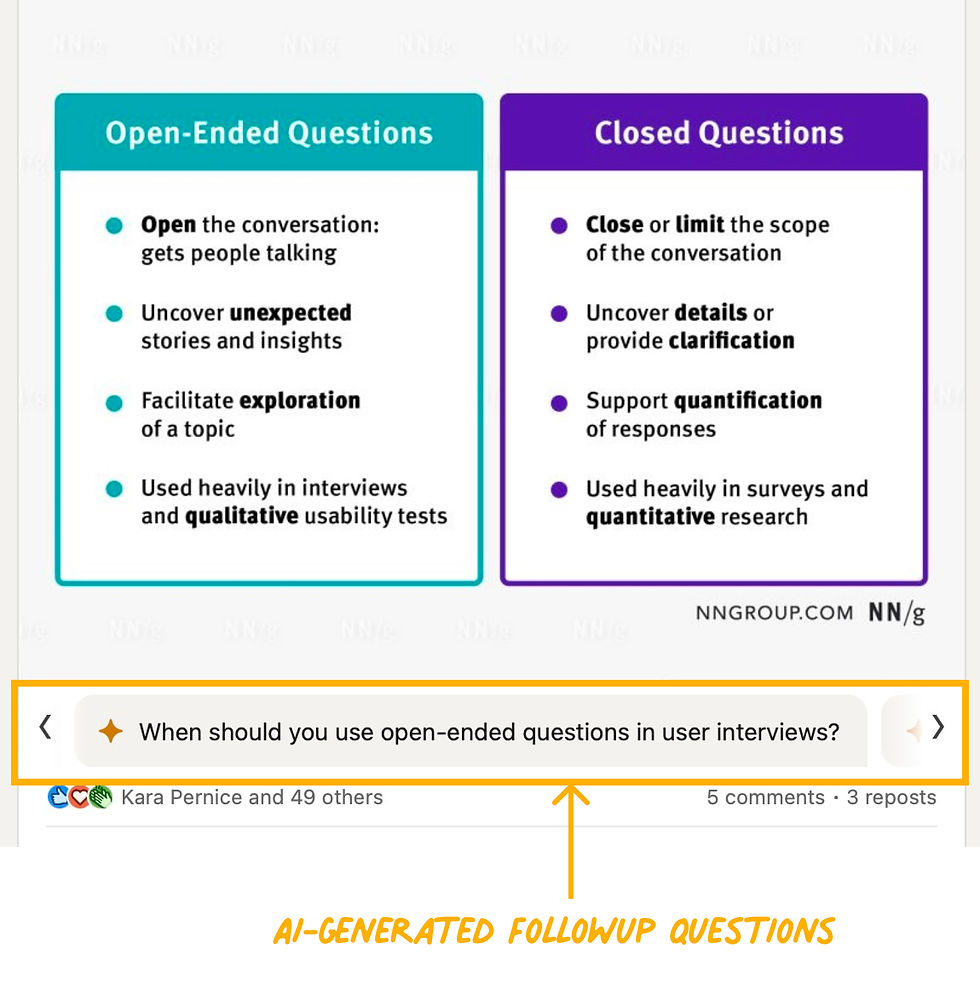
Sadly, even some well-known companies like LinkedIn introduced AI chatbots or content tools without solving meaningful problems. Users often found them redundant or distracting. Good thing is, that we all can learn from our mistakes – so we should learn early.
Before adding AI, ask:
What user problem are we solving?
How does solving it contribute to business goals?
Is AI the best solution?
Is the data complete, clean, and structured?
Even though the typical AI use case in 2025 was a chatbot, AI is also useful for other scenarios, where the following are the priorities:
Summarisation
Pattern recognition
Personalisation
Decision support
Predictive analysis
Automation
And many more.
Choose Your Words in AI Products Wisely
A common mistake is to present AI as a value proposition, but AI is a technology, not the end goal. Users care about what the product helps them achieve, not the technology behind it. Also sometimes, simply mentioning AI can trigger fear, because users may worry it replaces them. So, position AI as a supportive assistant, not a replacement of human.
Narrow the Scope
It is proven, that AI adoption improves when features have a limited, clearly defined scope. Broad systems like ChatGPT or Copilot Chat can do many things, as they have a broad scope. They are extremely powerful, and I am a loyal user of both of the mentioned products. But anyway, they may overwhelm users, and are harder to trust.
This is called “flexibility–usability trade-off” – the more flexible a tool, the less usable it may be for most users. Fewer use cases and predictable outcomes make features intuitive and trustworthy.
In contrast, we also see narrow AI features. I’ve picked one example from the investing world: Danelfin. This product focuses on one clear task: producing a stock score to guide an investor’s decision. Because of its narrow scope, it’s easy to understand and adopt, unlike broad, all-in-one AI advisors.

Respect Mental Models
Even when introducing innovative AI features, they should fit into familiar workflows, because people rely on their existing, and old mental models (you can read more about mental models on NN/g website here). Violating mental models leads to confusion and poor adoption.
Great example is Perplexity AI: it is designed for information seeking. In usability studies, researchers observed that users typed only a few keywords, exactly what they expected from search behavior. Based on that, the team decided to design the Perplexity input field in a way that it mimics a Google search box, rather than a complex prompt editor.
(Source: NN/g UX Podcast episode featuring Perplexity’s head of design)
Design for Real Users
Perplexity is also a good example of designing for real users, not just tech experts or early adopters.
The most users:
use simple language,
expect predictable behavior,
avoid complexity.
AI should reduce effort, not introduce a new learning curve.
Earn Trust with Transparency and Control
To help users trust your AI:
Make outputs editable
Allow corrections and undo
Avoid hidden automation
Provide clear explanations for AI actions
Users should always feel in control of the outcome.
(Explainability and the ability to undo actions are deep topics on their own. I might explore them in more detail in my future posts)
Key Insights and Final Thoughts
As a takeaway, designing AI isn’t just about adding a new feature or following the latest trend. It’s about solving real problems, respecting how people think, and giving them control. When done thoughtfully, AI can become a trusted assistant that enhances the user experience instead of confusing or frustrating users.
So far, I’ve covered how to introduce AI into your product if you’re new to it. It’s worth mentioning that these are just guidelines for the initial phases of AI implementation. What’s really changing in UX/UI design, however, is the nature of interaction. What NN/g calls Outcome-Oriented Design, what Jacob Nielsen labels as a new paradigm: Intent-Based Outcome Specification, or what is sometimes referred to as Human–Agent Centered Design. Ultimately, they all describe the same shift: moving the focus from designing interfaces to designing dynamic relationships between people, AI agents, and systems. I’ll dive deeper into this exciting approach in one of my upcoming posts.
Sources & Further Reading:


